No account needed
Drag in your favourite apps and start using your first deck. No sign-up or email address required.
 TilesDeck

As simple as it is elegant.
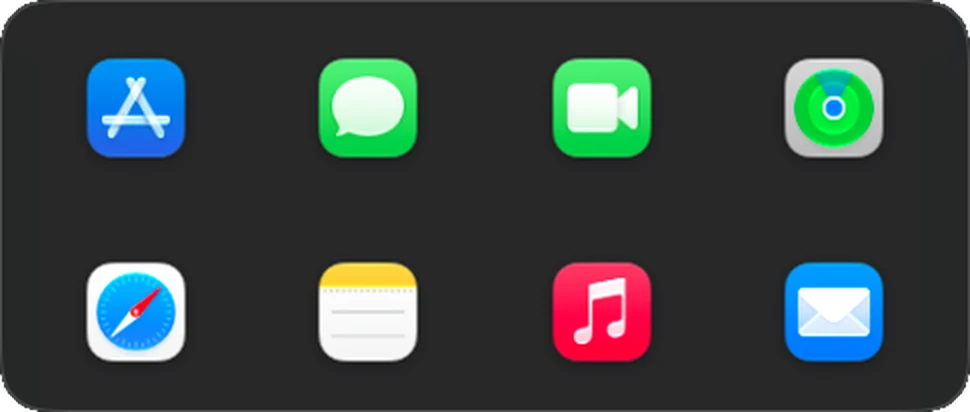
Keep the apps, files and folders you use together in decks on your Mac desktop. Make one for everyday tasks, another for a project or a client, and open what you need with a click.

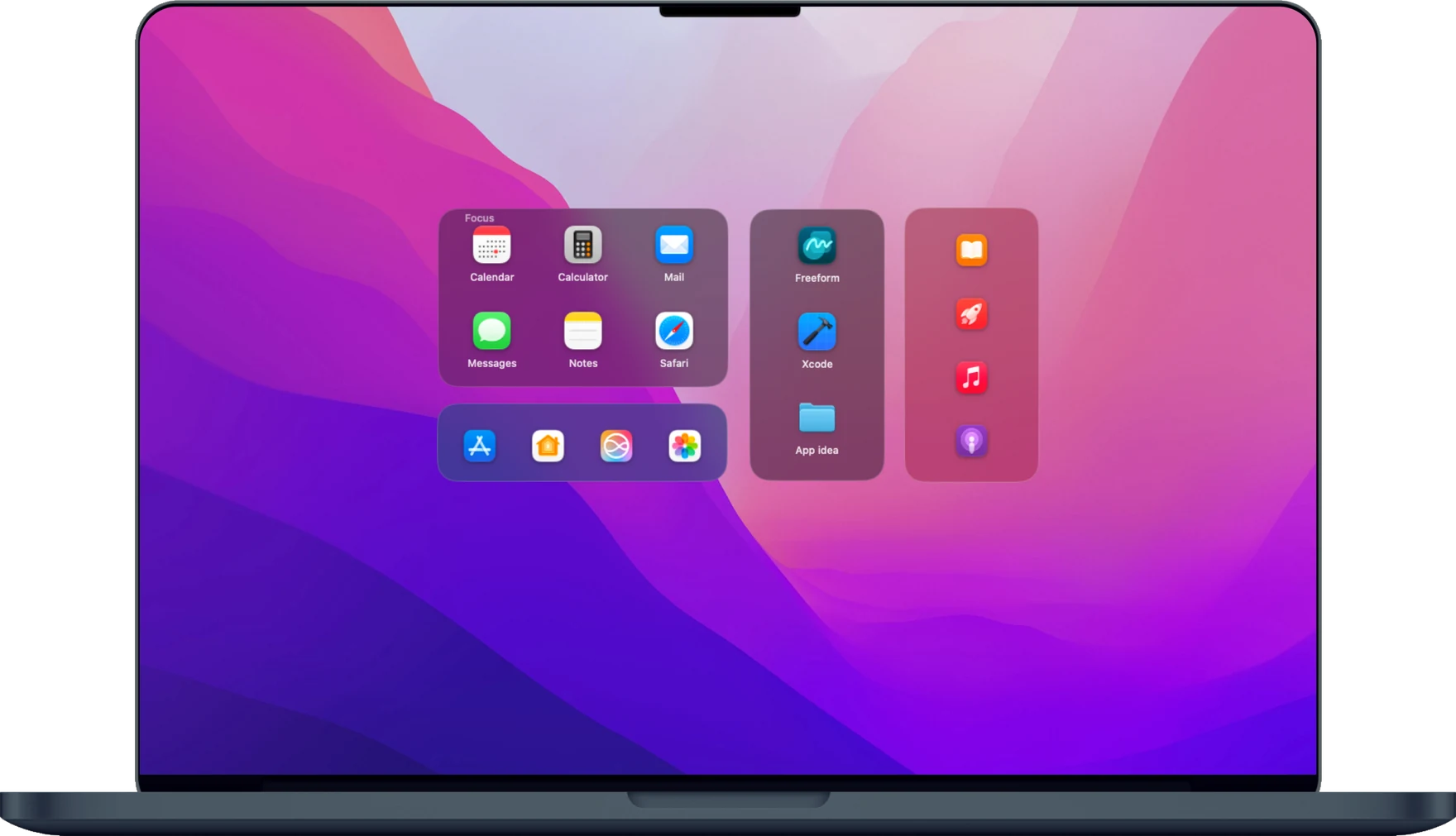
Decks
Add apps, files and folders by dragging them from Finder or choosing them in TilesDeck. Name each deck and place it where you work. Its layout and screen stay as you left them when you restart your Mac.
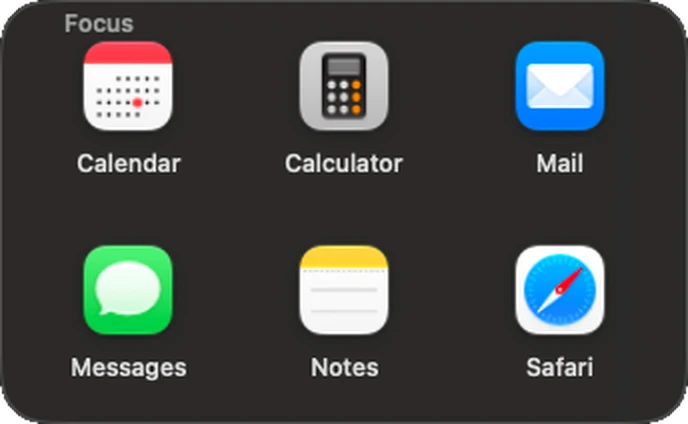
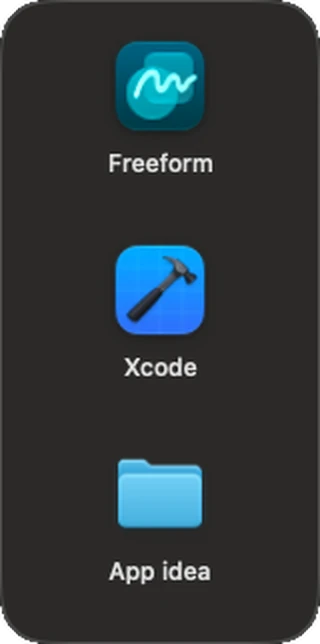

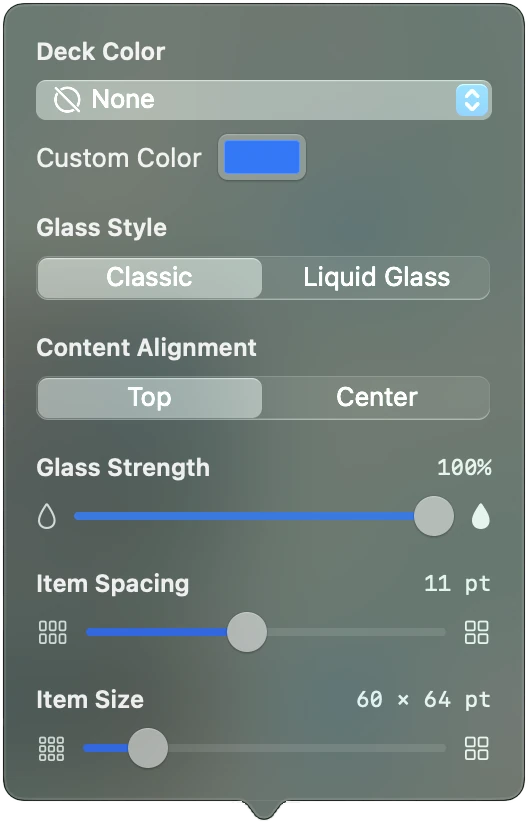
Appearance
Change a deck's appearance and see the result immediately on your desktop.
Works with AI Agents
Ask a compatible AI agent to organise your decks or change how they look. Move a deck, give shortcuts more space or change a colour, without adjusting each setting yourself. Your agent can check the existing layout before making changes.
Privacy
Drag in your favourite apps and start using your first deck. No sign-up or email address required.
Your decks and settings are stored locally. TilesDeck keeps shortcuts to your files and folders; it does not read their contents.
TilesDeck does not track how you use it or upload crash reports.
Price
FreeUp to four decks
All features included for up to four decks, with no time limit.
0,99 €Once, for more decks
A single purchase unlocks more decks. Restore it with the same Apple Account on your next Mac.
macOS 14 Sonoma or later, Apple silicon and Intel.
Available in English, French, German, Dutch, Spanish, Japanese and Simplified Chinese.