Prepare the programme
Edit artists, stages, performance times, partners and home-screen news. Keep drafts separate from what visitors can see.
 APPRO app
Festival Console · Organiser demo
Prepare the programme, publish updates and communicate with visitors from one workspace for your festival team. The console works edition by edition, while your audience sees the result in the app.
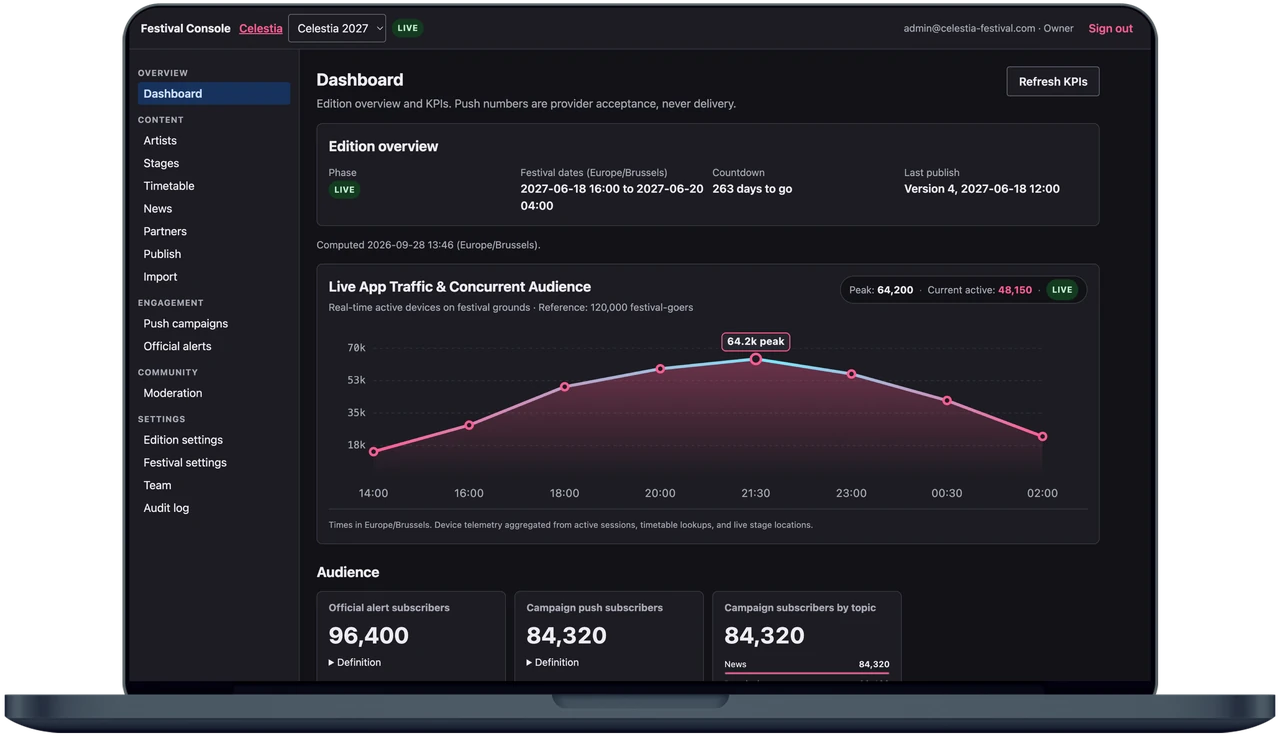
The console focuses on the work an organiser needs to do before and during an event. Each action belongs to the selected edition and to a team role.
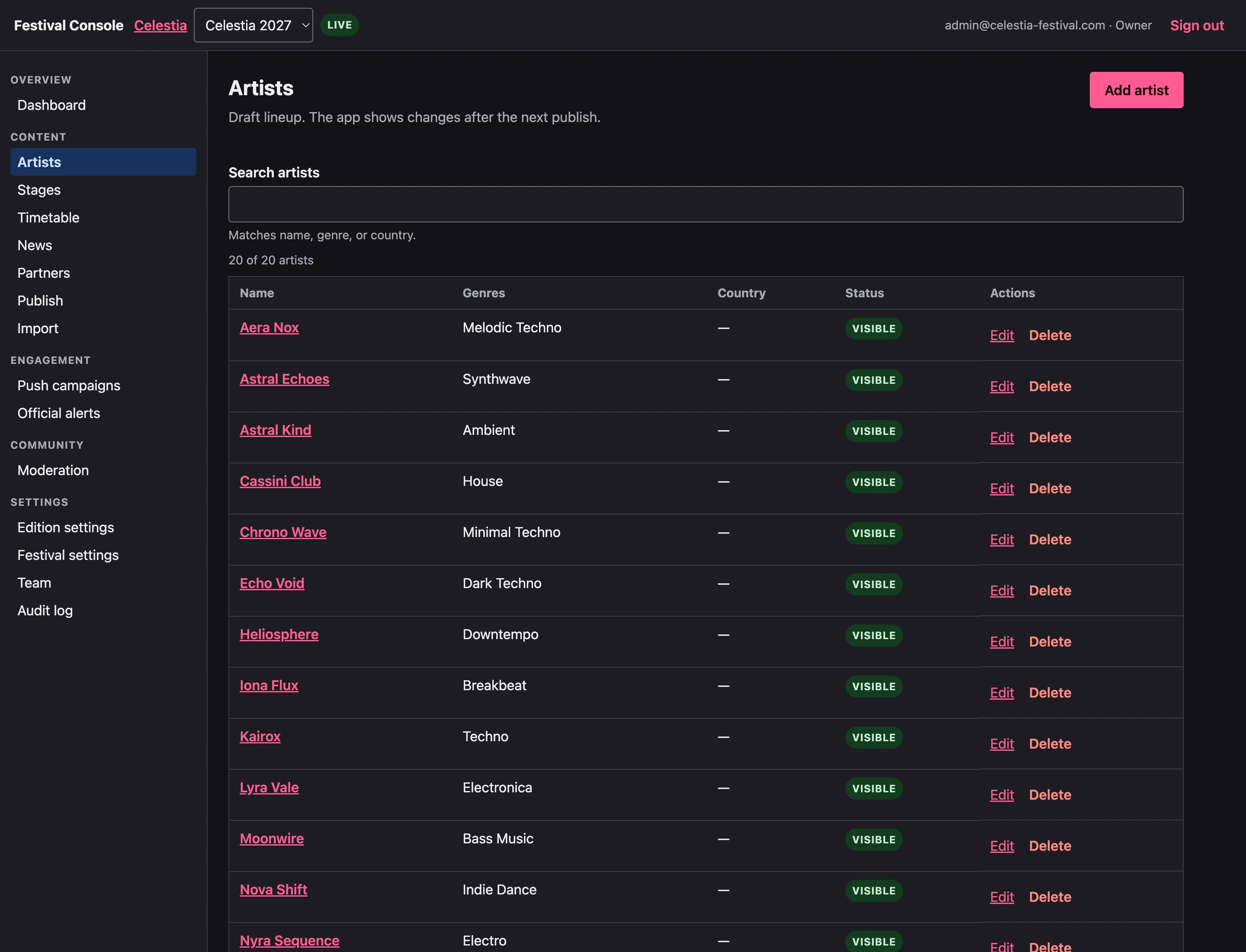
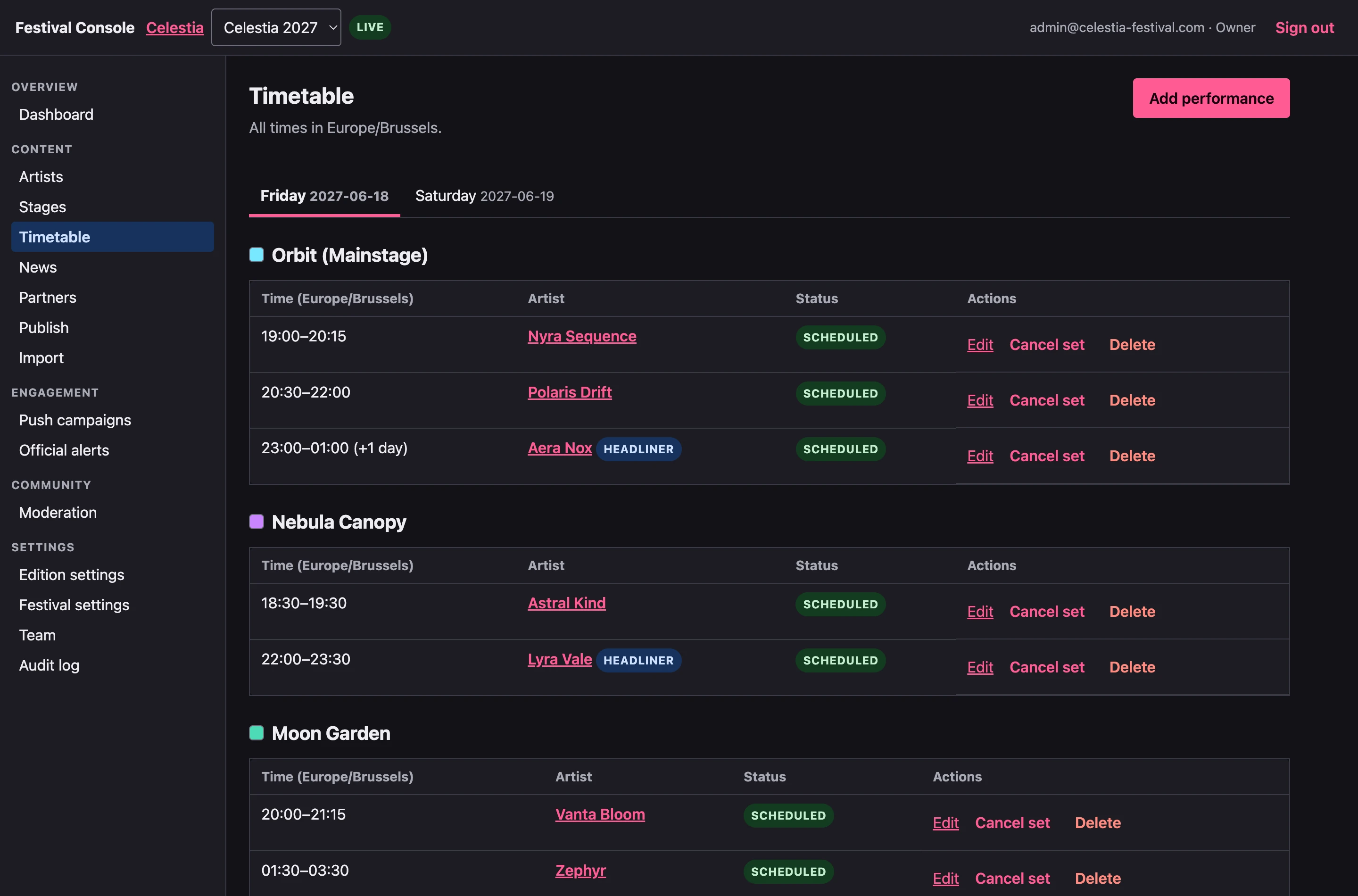
Edit artists, stages, performance times, partners and home-screen news. Keep drafts separate from what visitors can see.
Check the edition before publishing a version to the app. A previous version can be restored when plans change.
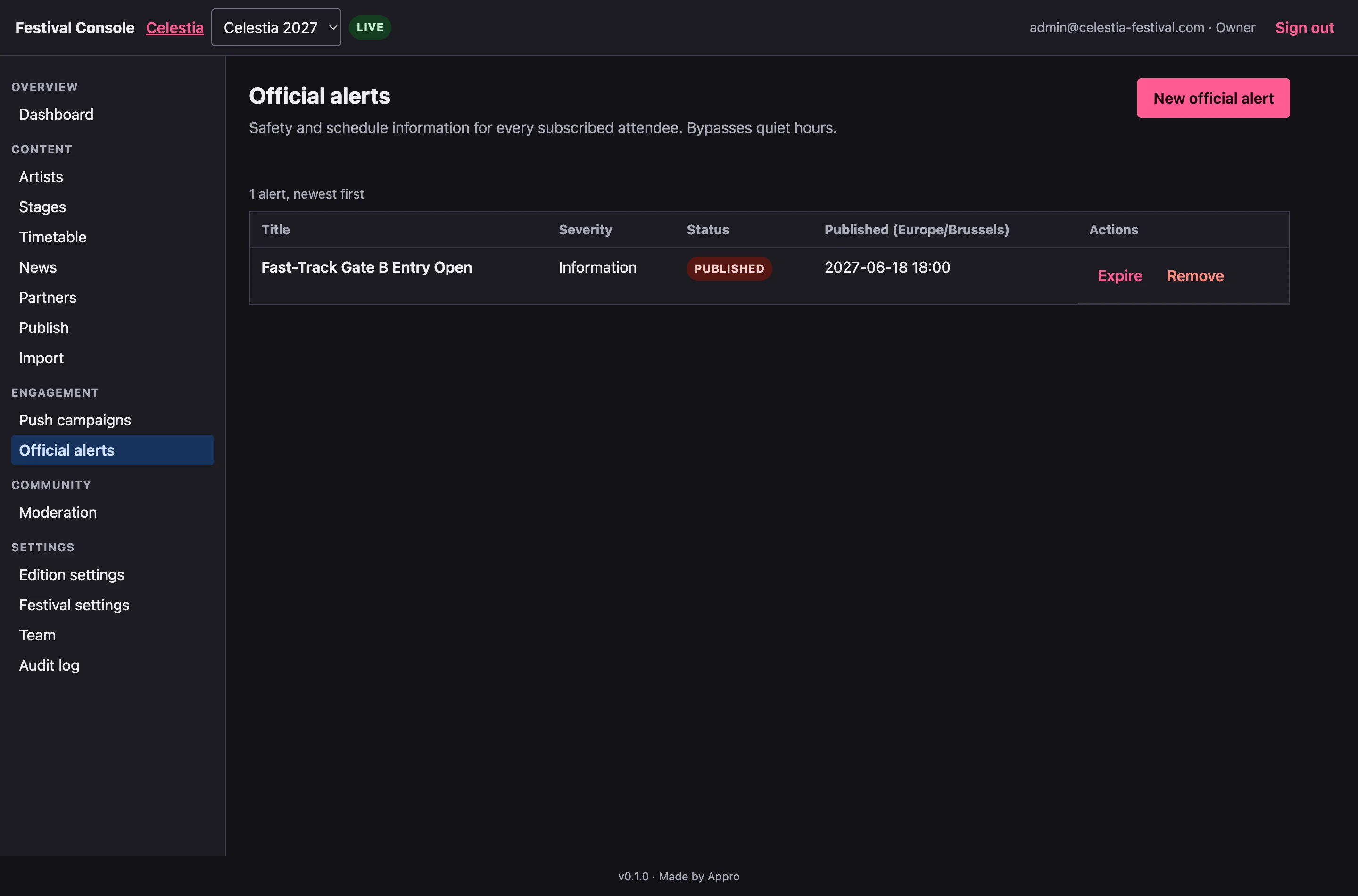
Create official alerts and controlled push campaigns, with a test send and audience preview before a campaign goes out.
See operational counts for content, subscriptions and push acceptance, with their definitions and freshness. Installs and active-user analytics are not part of this view today.
Inside the Console
Prepare the timetable by stage, update artist profiles and write official alerts for the festival app. These screens show the fictional Celestia demonstration edition.
An email starts it, and it is answered quickly, by the person who would do the work.
hello@appro-app.com