
iPhone · iPad · Mac
Tia
Plan work by moving it.
Plan projects on iPhone, iPad and Mac with boards, lists and cards. Add descriptions, checklists, comments, links, tags and due dates, or organise dated work in a calendar board.
Project status: In development
Screens
The parts that matter.
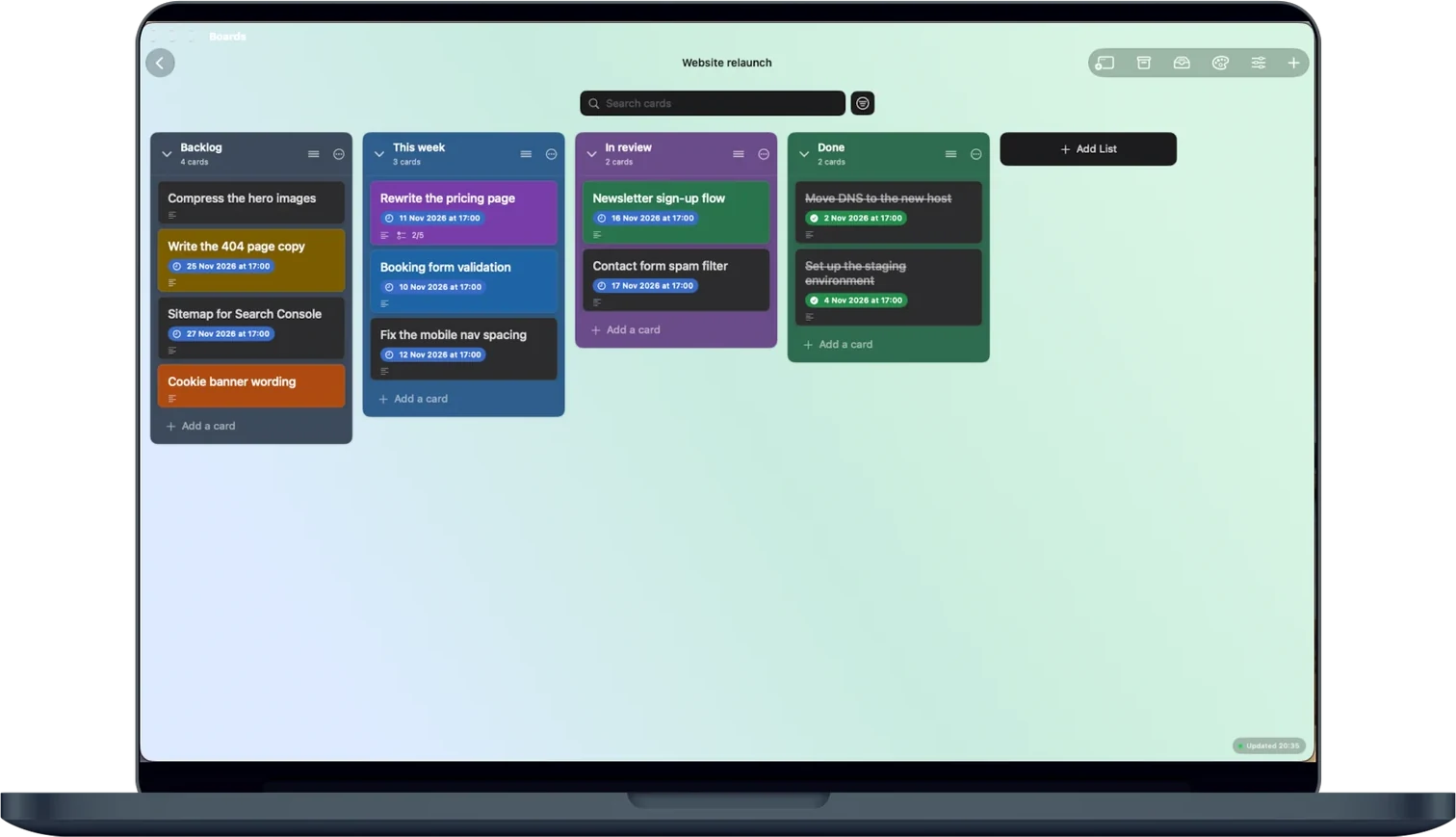
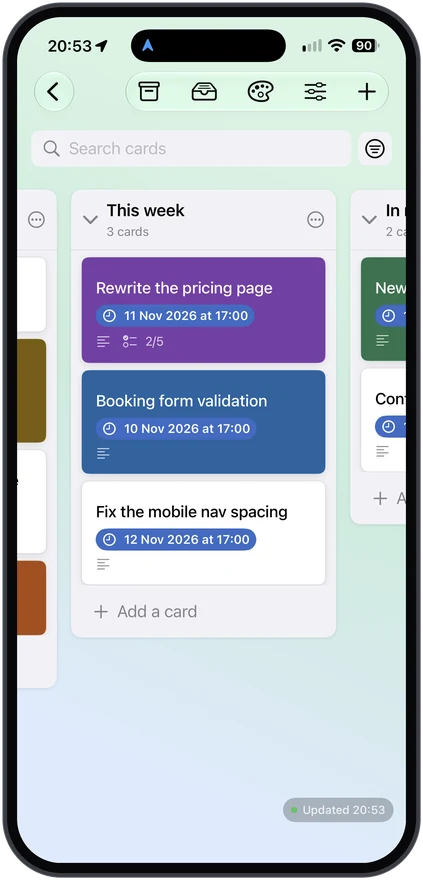
Move work through your board
Drag cards between lists as work progresses. Open a card for its description, checklist, comments, links, tags and due date.
Calendar boards, month or day
In a calendar board, every day is a list. View the board as a month grid or day by day.
Make each board your own
Choose from 40 bundled backgrounds, or use your own photo or file. Tia 1.0 does not offer online image search.
Your boards in your iCloud Drive
With iCloud Drive available at first launch, boards sync through your Apple Account between iPhone, iPad and Mac. Otherwise, they stay on that device. Check Settings for your storage status. Appro does not receive your boards.
Three boards free
Use every feature with up to three boards. An auto-renewable monthly or annual Tia Pro subscription unlocks unlimited boards. The App Store shows the price before you subscribe.
For help and purchase restoration, visit Tia support. Read the Tia privacy policy and Terms of Use (Apple standard EULA). Tia 1.0 requires iOS or iPadOS 18 or later, or macOS 15 or later (Mac Catalyst, Mac App Store).
Legal
Every application keeps its own privacy route, one click away.